
Connecting your wallet

Connect a browser wallet (e.g. MetaMask) and select either Ethereum or Base. The app will prompt you to switch networks if needed. You will need ETH for gas. On Base, any combination of ETH, WETH, or USDC is sufficient to dispute. On Ethereum, you need both WETH and USDC.

Browsing active games

The main screen shows all eligible oracle games and your wallet balance: Active games
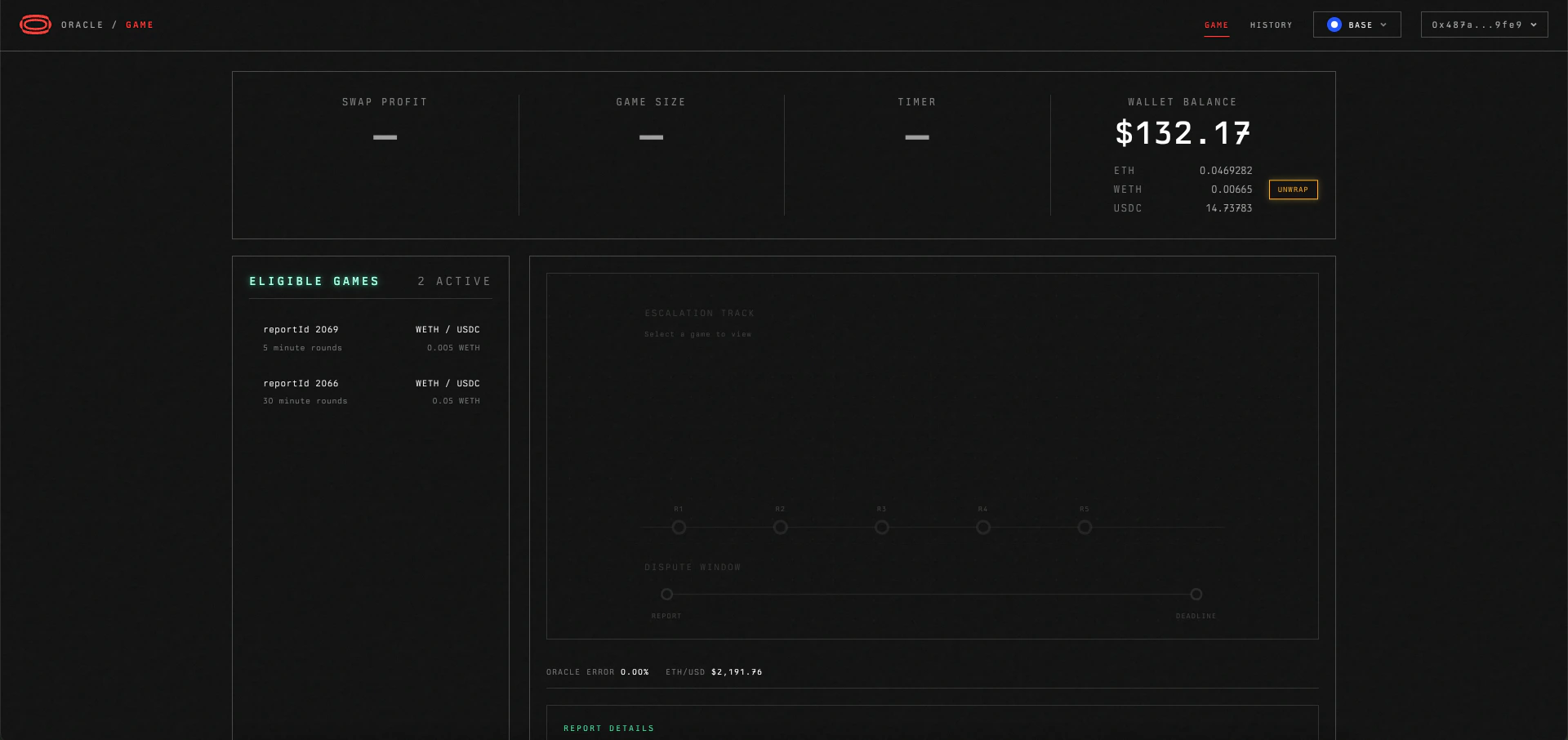
Selecting a game

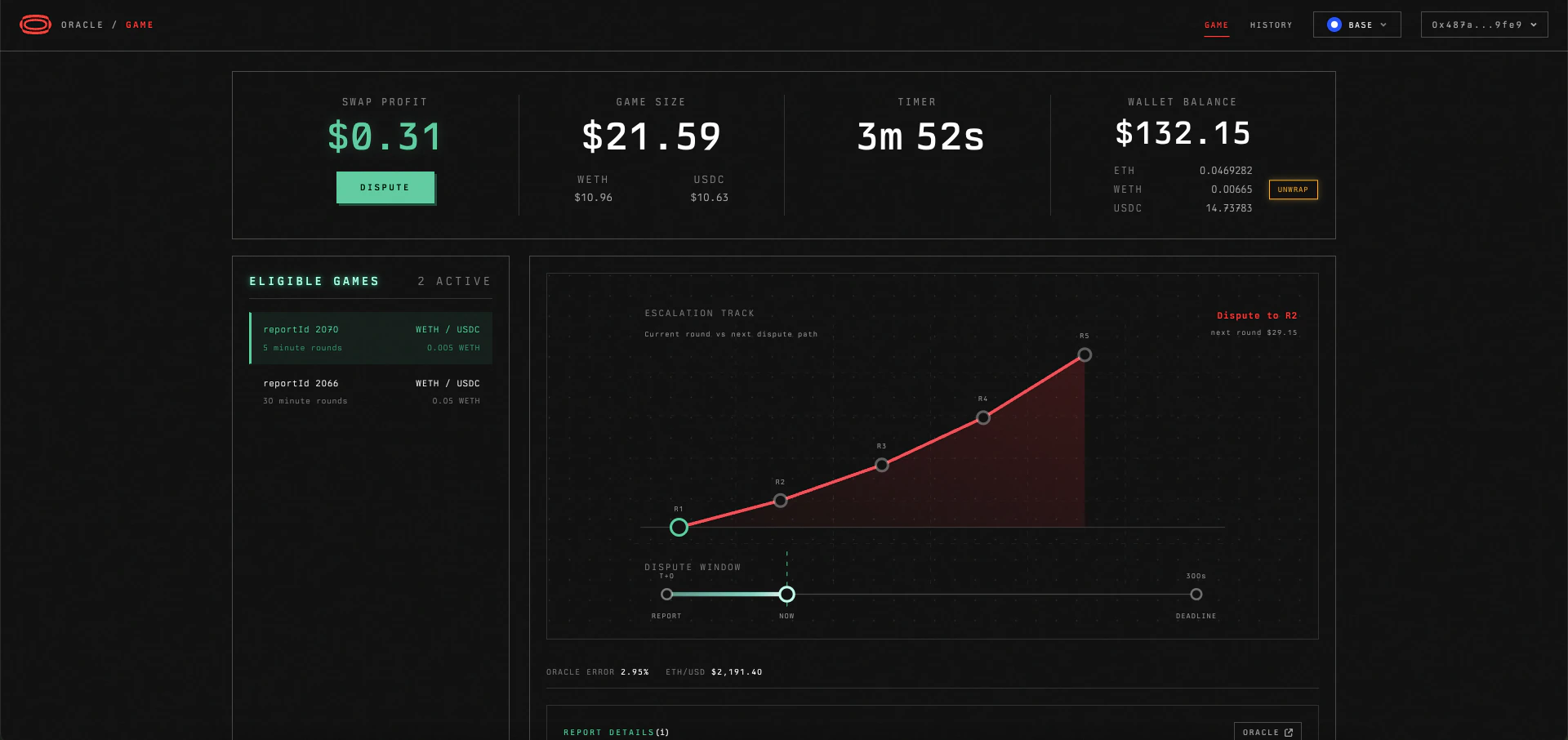
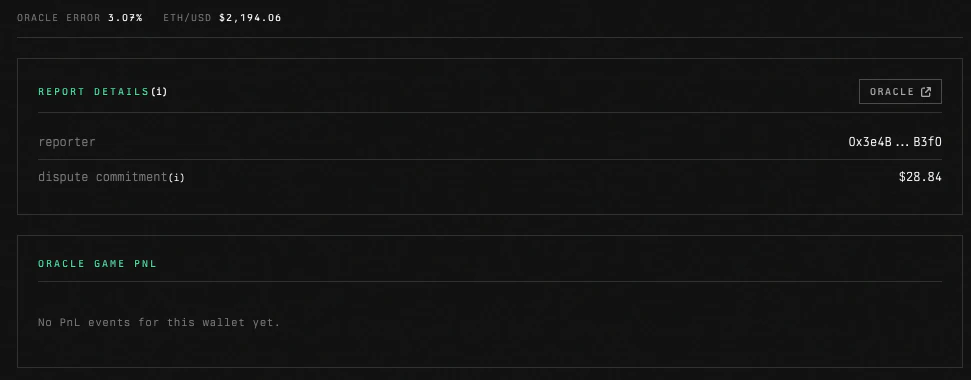
Click on a game to see its details: Game detail The detail view shows swap profit, game size, timer, and escalation track. Farther down, you can see the required capital to dispute: Dispute quote As long as you have more than ~$29 of ETH, WETH, or USDC in your account, on Base, the contract will automatically wrap ETH and swap into the right amount of the missing token for you, using Uniswap V3.
Disputing a report

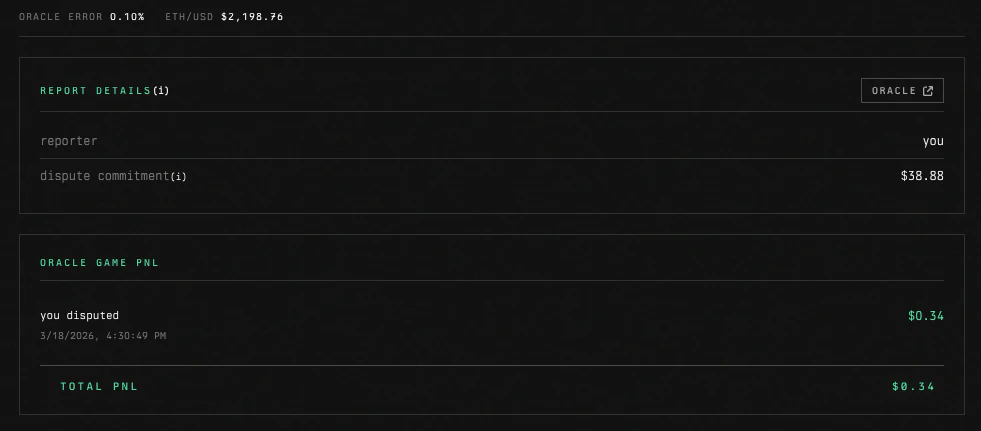
If you choose to dispute a report, the timer refreshes, the game size increases by the multiplier, and you will see the following: Dispute submitted If you scroll down, you will see your recorded P&L: P&L view
Your position

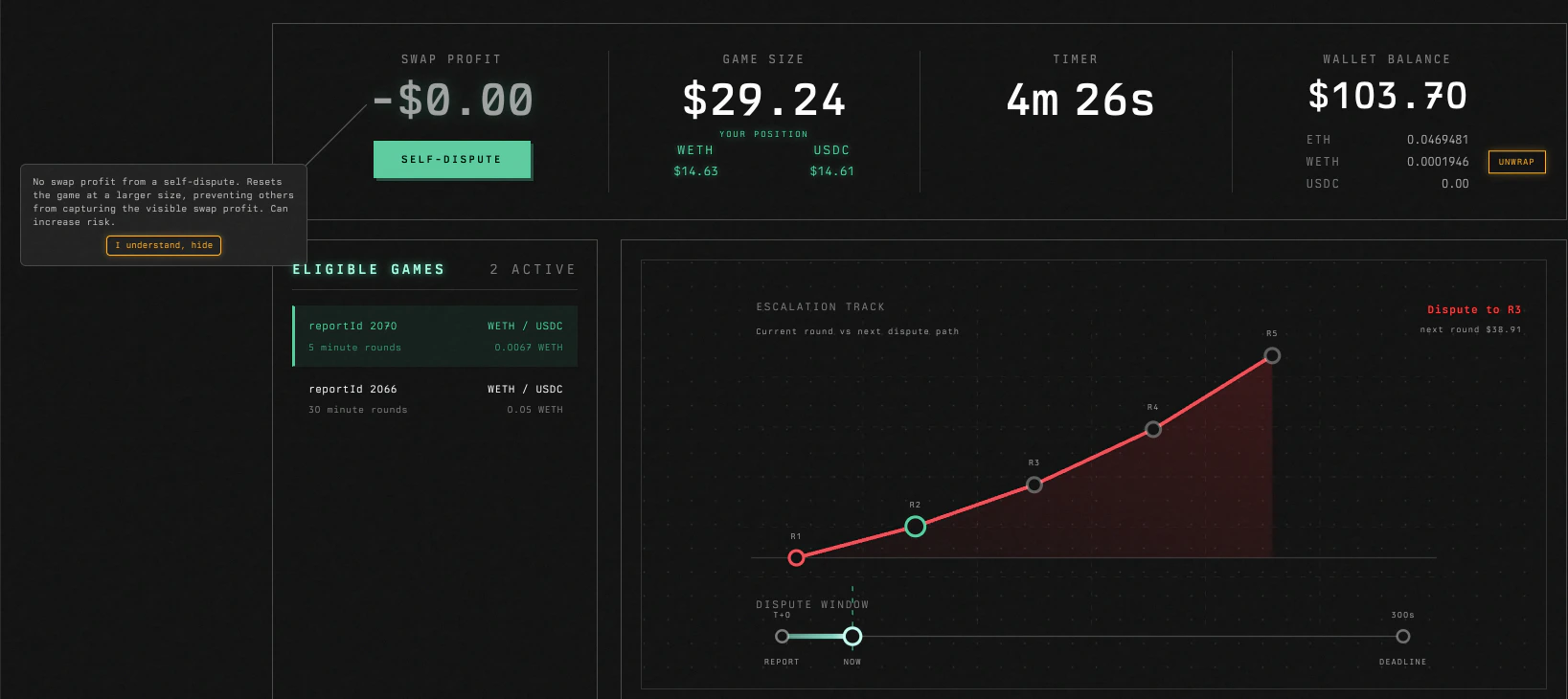
After disputing, the UI shows your position: the token amounts you have locked in the oracle game as the current reporter. These amounts are at risk until the settlement time elapses or you get counter-disputed.

Self-disputes

If you are already the current reporter, you can self-dispute. There is no swap profit from a self-dispute. It resets the game at a larger size, preventing others from capturing the visible swap profit. This can increase risk because you can be later counter-disputed at a larger size.

Counter-dispute risk

When you dispute, you become the current reporter. If someone else disputes you back, you lose the difference between your reported price and the current price on your position (represented by the gray swap profit when you are the current reporter). The larger the round (due to escalation), the larger the potential loss.

Price validation

The app validates the Coinbase mid-price against multiple sources (Bitstamp, Pyth, Kraken, Gemini) every few seconds. If the price deviates more than 1.5% from the consensus, disputes are blocked and a warning is shown. This helps prevent wildly mispriced reports resulting in large losses to counter-disputes.

Monitoring your positions

After disputing, you become the current reporter. A background scanner checks every 10 seconds whether any of your active positions have been counter-disputed. If someone disputes your report, the scanner records it in your history with the calculated P&L. You do not need to keep the game detail view open. The scanner monitors all your active positions across games.

Settlement

After the timer elapses without a new dispute, anyone can settle the game. The final reporter is returned the game size in both tokens at settlement. A settler reward (in ETH) is paid to whoever calls the settle function. MEV bots typically handle settlement automatically.